
A megabyte shown on a USB drive package and a megabit per second advertised by an internet provider do not measure the same quantity, use the same base, or convert in the same way. Understanding the difference between bits, bytes, decimal base and binary base is essential for accurately interpreting storage capacity or network speed, from mega to peta.
Symbols and bases: how to read a capacity or speed label correctly
The capitalization of a symbol determines what it means. In the notation standardized by the BIPM, b stands for bit and B for byte. A 500 Mb/s fiber plan specifies a speed in megabits per second. A 500 MB drive lists its capacity in megabytes. The ratio between the two is a factor of eight, since one byte contains eight bits.
On a network bill or download screen, confusing Mb with MB means overestimating (or underestimating) the actual speed by a factor of eight. We recommend always checking the capitalization of the symbol before comparing providers or storage devices.
The second source of confusion is the calculation base. The International System of Units (SI) defines the prefixes kilo, mega, giga, tera and peta as powers of 10: one SI megabyte is exactly 1,000,000 bytes.
IEC 80000-13, published by the International Electrotechnical Commission, introduces a separate binary series: kibi (Ki), mebi (Mi), gibi (Gi), tebi (Ti) and pebi (Pi), based on powers of 2. One mebibyte (MiB) is 1,048,576 bytes. When you visit a page explaining units from mega to peta, check whether it uses SI or binary prefixes, because the difference grows with scale.

Why advertised and system-reported capacities differ: base 10 versus base 2
Hard drive manufacturers advertise capacity in decimal units: a 1 TB drive contains 1,000,000,000,000 bytes. The operating system, however, may count in binary units and display a lower figure. In Windows, the same drive appears as about 931 GB because the system divides by 1,024 at each step instead of 1,000.
No data is lost: only the counting convention changes. Microsoft’s documentation explicitly confirms this. The discrepancy grows in proportion to the storage device’s capacity: for a decimal petabyte, the displayed difference amounts to several dozen binary terabytes.
To remove ambiguity, the IEC-standardized notation inserts an “i”: KiB, MiB, GiB, TiB, PiB. This marker unambiguously indicates counting in powers of 2. Linux distributions (Ubuntu, Fedora) have displayed capacities in GiB for several years, while macOS has adopted purely decimal prefixes.
How to identify the convention at a glance
- The symbol contains an “i” (KiB, MiB, GiB, TiB, PiB): the value uses the binary base, with each step multiplying by 1,024.
- The symbol has no “i” (kB, MB, GB, TB, PB): the value uses the decimal SI base, with each step multiplying by 1,000.
- The symbol uses a lowercase “b” (Mb/s, Gb/s): the quantity measured is a speed in bits, not a volume in bytes.
- The interface displays “GB” or “TB” without specifying the base: check the system documentation to find out whether the calculation is decimal or binary.
From mega to peta: orders of magnitude in storage and networking
Each SI prefix represents a factor of 1,000 compared with the previous one. One petabyte equals 1,000 terabytes, or 1015 bytes. In binary prefixes, one pebibyte is 250 bytes, or 1,125,899,906,842,624 bytes.
Network speeds are expressed in bits per second. A 10 Gb/s connection transfers 10 gigabits per second, equivalent to 1.25 gigabytes per second after dividing by eight. Consumer plans often advertise download speeds in megabits (Mb/s), while download software displays speed in megabytes per second (MB/s). Divide the advertised speed in Mb/s by eight to get the speed in MB/s.
Beyond peta, the prefixes exa (1018), zetta (1021) and yotta (1024) are still uncommon in everyday use. In November 2022, the General Conference on Weights and Measures added two new prefixes: ronna (R, 1027) and quetta (Q, 1030), along with ronto and quecto for submultiples. This official extension of the SI anticipates the growth of global data volumes.
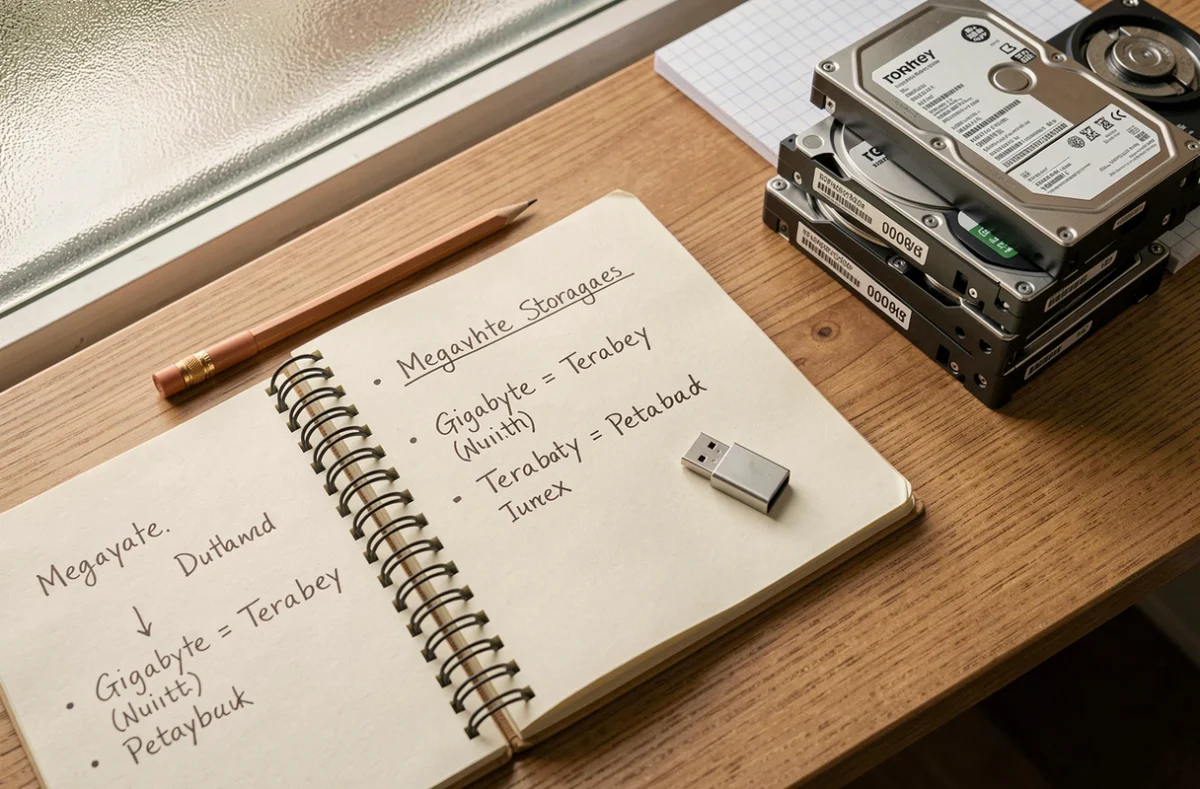
Checking a displayed value: a quick method for bills, packaging or system screens
When you see a value in mega, giga, tera or peta, three checks are enough to interpret it correctly.
- Check the capitalization of the symbol: uppercase B for bytes, lowercase b for bits. If the context is network speed and the symbol has an uppercase B, the figure will be about eight times lower than the speed in bits.
- Look for an “i” in the symbol (MiB, GiB, TiB): its presence confirms binary counting. If it is absent, the prefix is either decimal SI or ambiguous notation that should be checked against the documentation.
- Compare the displayed figure with the manufacturer’s stated capacity: if a 2 TB drive appears as 1.81 TB in the file manager, the system is counting in binary tebibytes, not decimal terabytes.
This guide applies to any storage device (USB drive, SSD, NAS) and any network context (fiber, 5G, dedicated connection). Confusion between bits and bytes, or between base 10 and base 2, remains the leading cause of misunderstandings about actual capacities and speeds. Reading a symbol correctly is better than misinterpreting a comparison.